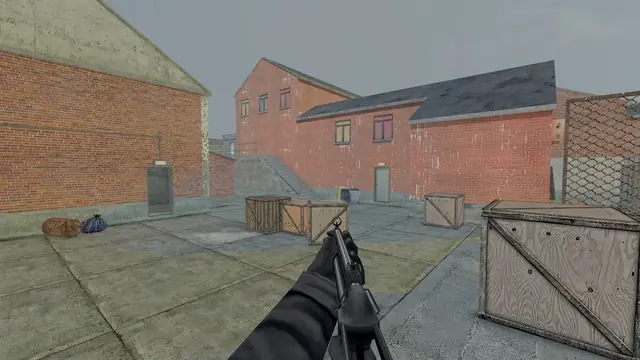
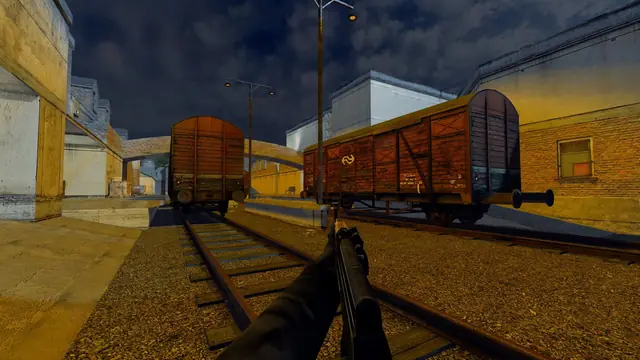
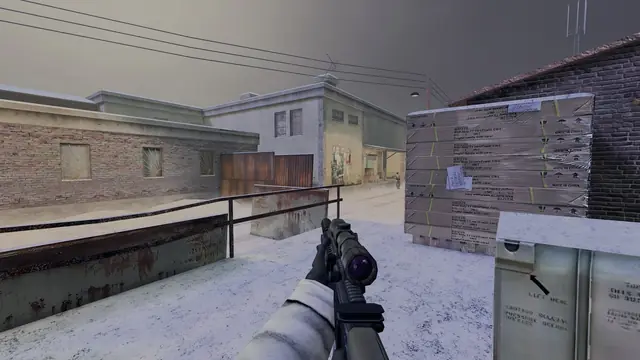
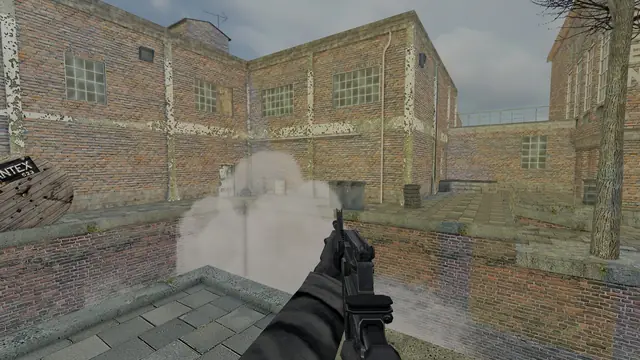
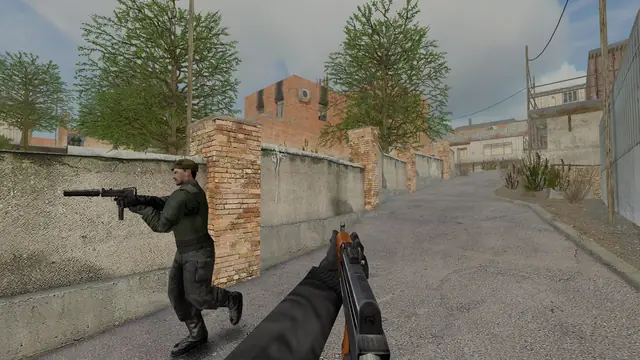
A new look, from the loading screen to the kill feed
Loading screens that teach the map, a tactical map, a match-end podium, photo mode, HDR output, clearer error screens and a launcher you can drive with a controller. Here is what is coming and how it was built.
The next update changes how TrueCombat: Platinum looks and feels almost everywhere you touch it. None of it changes how a round plays. All of it is about seeing more, understanding faster and losing less time to menus.
In the match
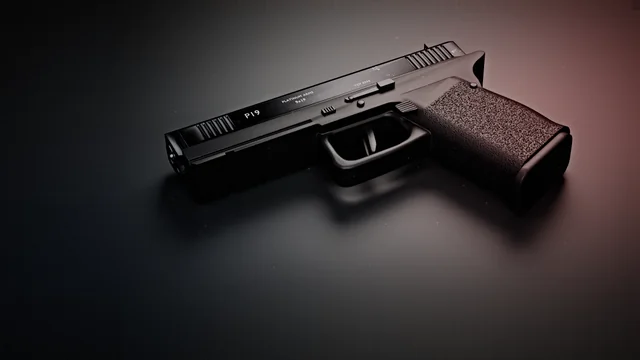
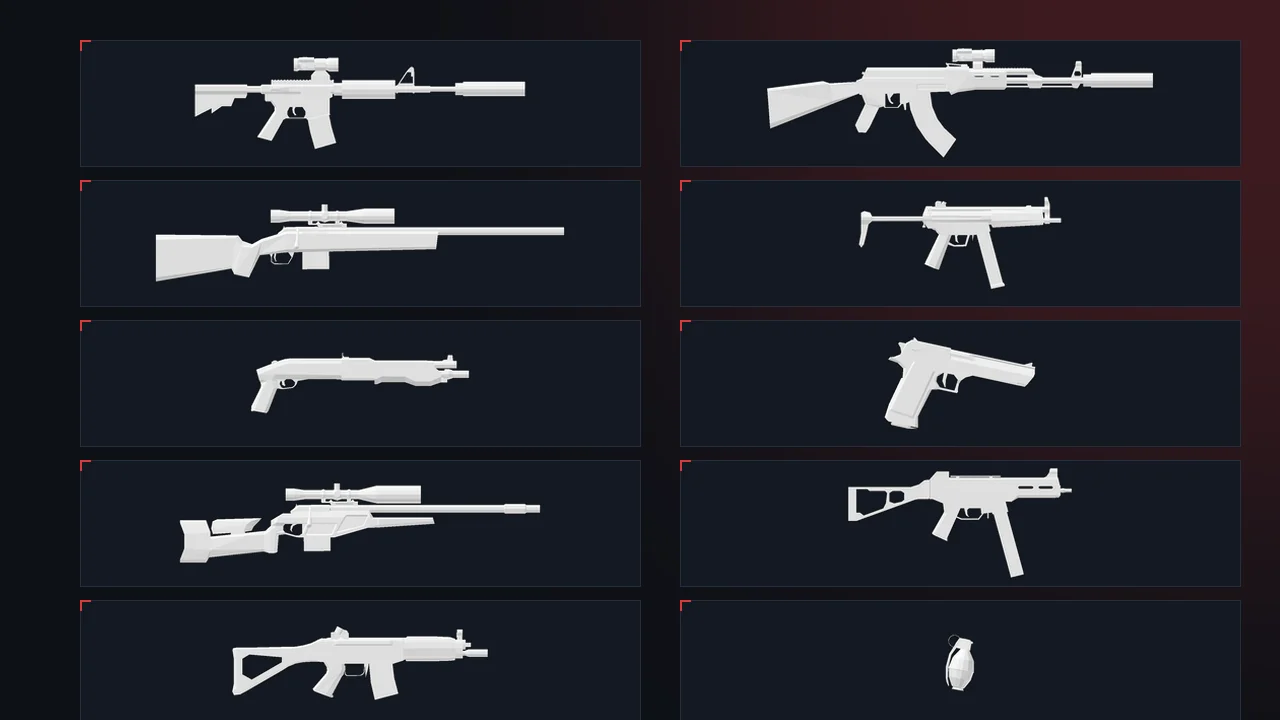
Weapon icons in the kill feed. The kill feed now reads killer, weapon, victim, with a clean silhouette of the gun instead of its name. The icons are rendered straight from the game's own weapon models, all at one scale, so a pistol looks like a pistol next to a rifle.
Your real keys on screen. Every prompt, tip and vote line shows the key you actually bound, drawn as a key cap. Rebind Use to E and the hint says E.
A tactical map. Hold M for a top-down plan of the map with both bomb sites, the flags, the area names and your own team's positions. Enemies never show. Server owners can switch it off, for example for competitive play.
A podium at the end of the match. While the map vote is open, the top three stand on a podium with their score and kills.
What's new, once. After an update, a short card lists the changes the first time you load a map. Type whatsnew in the console to see it again.
Before and after the match
Loading screens that teach the map. Each map now loads over its own backdrop, with the top-down plan, the setting, the time of day and a line about how the map plays.
Error screens that help. "Server is full", "wrong version", "missing files", "you were kicked" and a failing graphics driver each get a plain explanation and a button that does the fix: find another server, reconnect, allow downloads, quit to update or switch to OpenGL. The original message stays underneath for anyone who wants it.
For the screenshot crowd
Photo mode. In a local game, a demo or as a full spectator, type photomode for a free camera with the HUD hidden. Move, roll, change the field of view, cycle six colour grades, freeze a demo and take the shot. Camera paths let you set keys and play a smooth flight between them.
HDR output. On an HDR display with Windows HDR turned on, DirectX 12 can now output real HDR10. You set paper white and peak brightness on the Graphics page. On a normal display nothing changes.
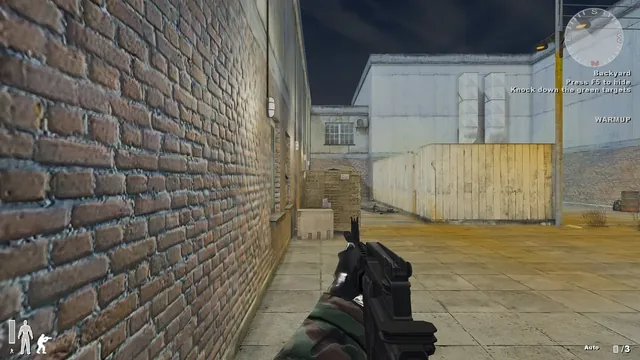
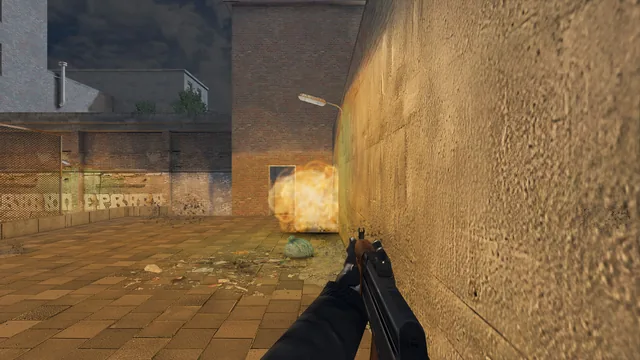
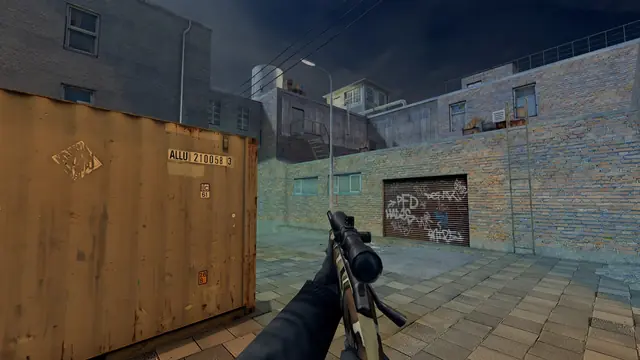
A colour grade per map. Each map gets a gentle grade of its own on the Ultra preset, so snow reads cold and the railyard keeps its warm evening light.
See what a setting costs. The Graphics page now measures your frame time before and after each change and shows the difference in milliseconds, and a preview switch makes the page see-through so you can watch the change on the match behind it.
The launcher
The launcher's Play page can play a short, silent clip of each map behind the menu, recorded in the engine. Right-click the tray icon for a quick panel with the version, players online, Quick Play and practice. And the whole launcher now works with a controller: the D-pad moves, A selects, B goes back, the bumpers change pages and Start plays.
One look everywhere
The website, the launcher, the in-game menus and HUD, the staff tools and the Discord bot now take their colours and type from one shared design file, so they can no longer drift apart. The website already uses one icon set, and the 3D map viewer and release pages went live earlier today.
What is still open
This is in testing for the next update, together with the new menu design. HDR output still needs testing on more displays, and the map clips for the launcher and the main menu will be recorded from the release build itself. If a loading screen, an error screen or an icon looks wrong to you, tell us on Discord.
Was this worth the read?
Anonymous. No account, no cookies.
Questions about this post? Ask the team on Discord.