
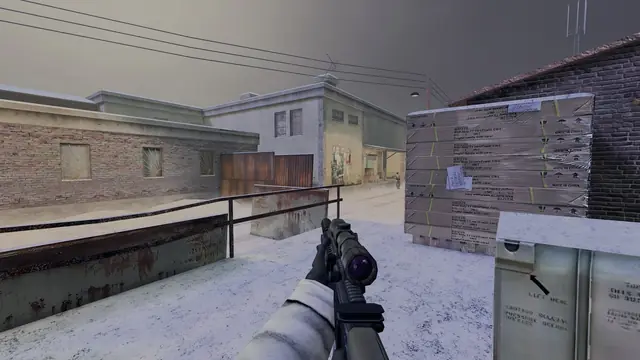
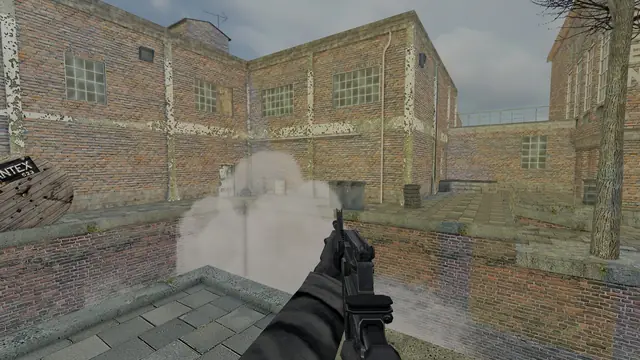
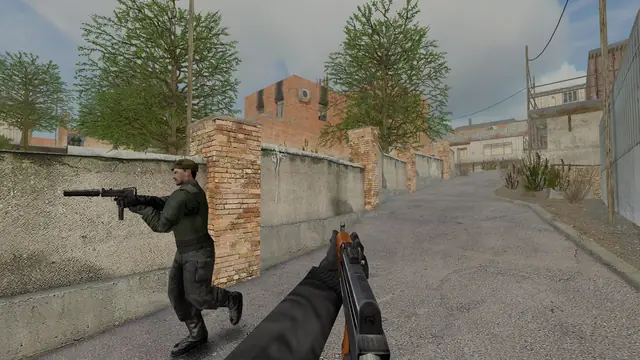
Basic training
Everything you need before your first match: installation, controls, movement and stamina, game modes and field tactics.
Get in
- Download the installer from the download section, choose a folder and let the launcher download the game.
- Open TrueCombat: Platinum from the desktop or Start menu. Type your player name. It is saved for next time.
- Join or host. Enter a server address and press PLAY, pick one from the Servers tab, or press Host a server to start your own and join it. To warm up first, Practice offline with bots starts a match against bots in one click.
- Pick a team and loadout in the Deployment Menu when the map loads.
Game won't start? Press Safe start in the launcher. It runs the game on OpenGL in a 1280 × 720 window and leaves your normal settings alone.
Controls
These are the defaults. Change them in the game's options menu under Controls.
| Move | WASD |
|---|---|
| Sprint | Shift (hold) |
| Jump | Space |
| Crouch | C (toggles) |
| Prone | X |
| Lean left / right | QE |
| Use | F |
| Fire | Left mouse |
|---|---|
| Aim / underhand throw | Right mouse |
| Reload | R |
| Fire mode | G |
| M83 smoke | 4 |
| Scoreboard | Tab |
| Chat / team chat | TY |
| Screenshot | F11 |
Movement and stamina
Speeds come straight from the original TC:E values. Sprinting is about half again as fast as running, and crouching or crawling cuts you to well under half.
Units per second with a rifle, on the default server settings.
- Stamina is the bar on your HUD. A full bar gives you about 13 seconds of sprinting with a rifle. Heavier weapons drain it faster.
- It refills when you stand still, walk slowly, crouch or lie down. Don't arrive at a fight with an empty bar.
- Jumping on the move costs stamina, and jumping again soon after costs more. You can't jump while crouched or prone. Pressing jump while crouched stands you up.
- Crouch toggles: press C once to go down and again to stand. Type
cg_toggleCrouch 0in the console if you'd rather hold it. - Moving backwards or sideways is slower than moving forwards.
Damage
Every shot hits the head, body or legs, and each does different damage. The body silhouette on your HUD turns yellow, orange and then red as you get hurt.
Crouched and prone players are smaller targets, so getting low is often the best defence. The damage, magazine and fire rate of every gun are on the weapons page.
Game modes
Core modes
- Practice: a map to yourself with practice targets. Learn the routes and try out the controls.
- Elimination: every player for themselves, one life per round.
- Team elimination: two teams, one life each per round. Wipe out the other side to take the round.
- Point capture: take the capture point and hold it.
Objective and team modes
- Flag capture: bring the flag home, first team to three.
- Bomb: attackers plant at site A or B within five minutes, defenders stop them.
- Team deathmatch: first team to 20 kills.
All seven modes are playable today. Pick one under Hosting in the launcher.
Field tactics
Slow down
You get one life per round. Walking into a room you haven't checked is how most rounds end. Let the other player make the noise.
Get low
Crouch before you peek and go prone behind low cover. A smaller target survives the first shot more often.
Save your sprint
Sprint between cover, not into a fight. Arrive with stamina left so you can still get out.
Smoke the open ground
Throw the M83 with 4 to block a sight line before you cross a street or a yard. You only get one per life.
Reload behind cover
Count your shots and reload when you're safe, not when someone comes round the corner.
Talk to your team
Use team chat on Y to call out where you saw someone. Find a squad on the Discord.
Hosting a match
- In the launcher, press Host a server. Choose the mode, the server name, the player limit, the starting map and the rotation.
- Switch on List publicly to show up on the server list and in the Servers tab of every launcher.
- For players outside your home network, allow UDP port
27971in Windows Firewall and forward it on your router to the hosting PC. - Keep the PC awake while people play. Everyone needs the same game version as the server.