
Download TrueCombat: Platinum
The complete game for Windows 10 and 11, free of charge. One small installer sets up the game and the launcher, then keeps both current.
- Download the installer. It is a small file, so it never grows with new releases.
- Choose where to install. Keep the game and the launcher together, or give each its own folder.
- Let the launcher do the rest. It downloads the game, verifies every file and keeps it current. Updates only fetch the files that changed.
Already installed? Open the launcher. It updates itself and the game.
What you need
- System
- Windows 10 or 11, 64-bit
- Graphics
- A DirectX 12 card. Older cards can use Safe start (OpenGL).
- DLSS / DLAA
- Optional, NVIDIA RTX cards
- Disk
- About 2.3 GB free space
- Online
- A connection for the download and for online play. Bot matches work offline.
- Price
- Free. No store, no paid unlocks.
Scanned, and verifiable
Every release is checked with VirusTotal before it reaches you. 2 of 71 antivirus engines flag this installer. New games without a code-signing certificate are sometimes flagged by mistake, so we publish the full report: it shows exactly which engines raised a flag. The 30 program files the launcher installs are scanned as well: 1 of them are flagged by at least one engine.
d23bd0275421f8aabf07865b3b3719afaac145cc0ffbe22882a7292b6fbd1a64To confirm your copy is the one we published, run Get-FileHash TrueCombat-Platinum-Setup.exe in PowerShell and compare the result with the checksum above.
Everything you need to play
The full game
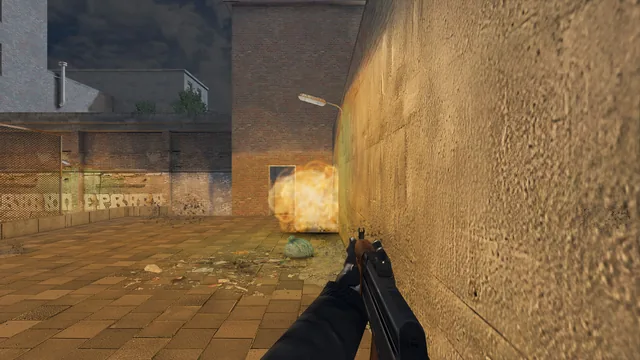
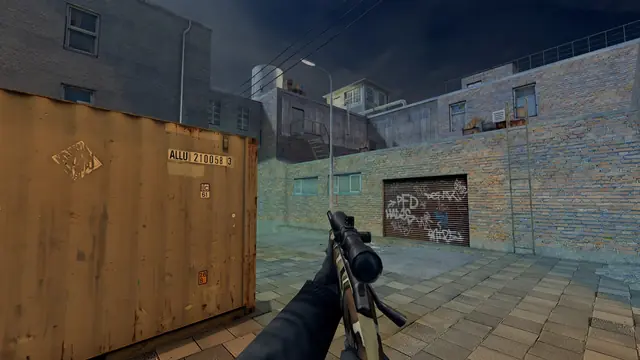
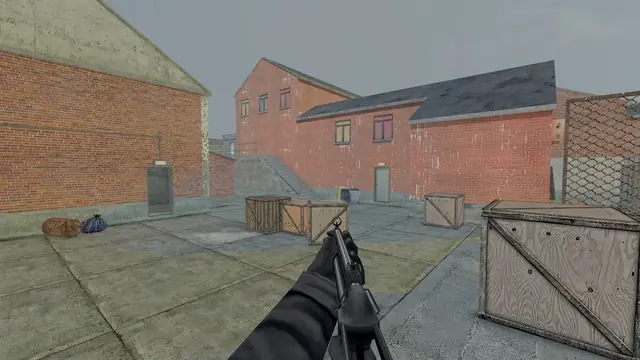
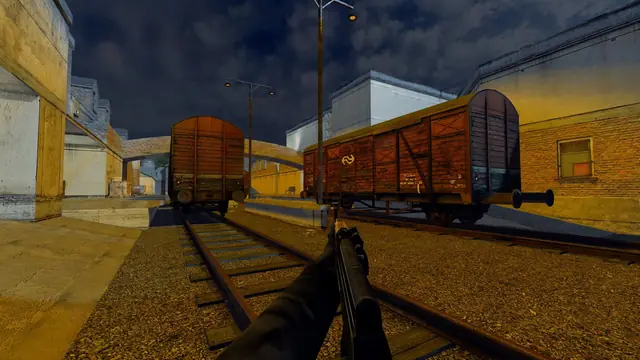
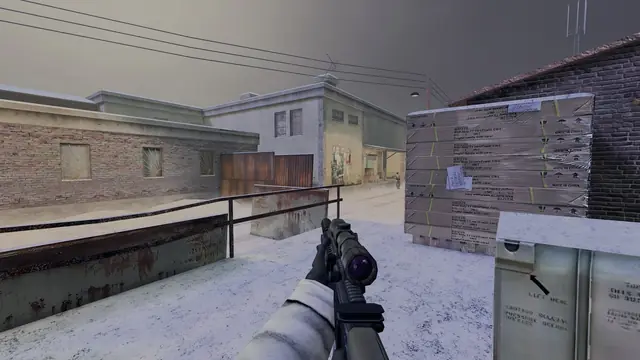
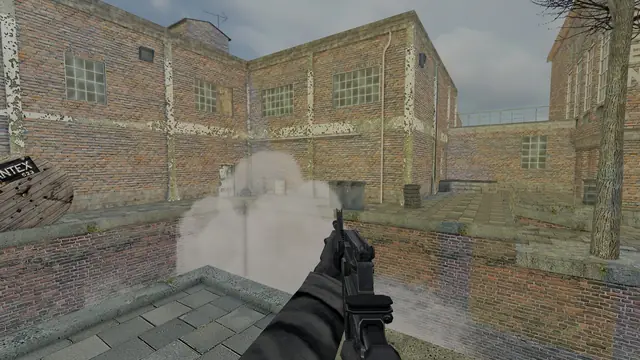
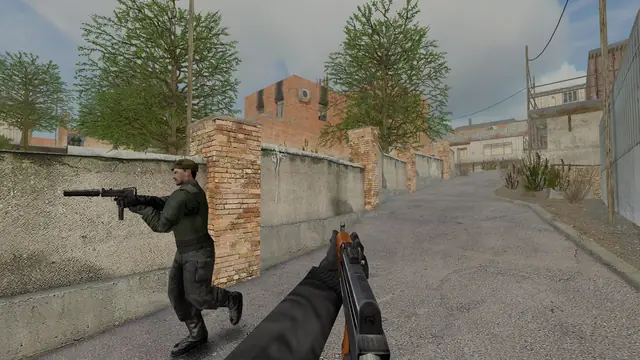
Six original maps, all 27 guns and seven game modes. There is nothing else to install: no copy of TC:E, no Enemy Territory.
The launcher
Server browser, one-click hosting, graphics presets and a Safe start button for older hardware, all in one window.
Signed updates
The launcher checks for new versions, fetches only the files that changed and installs only updates signed by Team Terminus.
From install to in-game
- Pick a name
Open TrueCombat: Platinum and type your player name. It is saved for next time.
- Join a server
The Servers tab lists every public server. Official #2 always has a match running, and Official #1 counts towards the leaderboards.
- Or warm up first
Practice offline with bots starts a match in one click. The beginner's guide covers the controls.
Playing on more than one PC? A free account keeps your rank, stats and name with you. You sign in with Discord, and it is entirely optional.
If something stops you
Windows shows a SmartScreen notice
Windows shows this for installers it has not seen often yet. Choose More info, then Run anyway. From then on the launcher verifies every update itself.
DirectX 12 won't start
Press Safe start in the launcher. It runs the game on OpenGL in a 1280 × 720 window and leaves your normal settings alone.
My server runs an older version
Everyone in a match needs the same version. The launcher can stay on an older release for as long as your community needs it, and return to the latest whenever you like.
I need a hand
Ask in the TrueCombat: Platinum Discord. The team and the community answer there every day.