Fixing crashes on the PCs you actually play on
The launcher can now tell us where the game crashed and what hardware it runs on, if you say yes. It asks once, it is anonymous, and you can see the exact report before it leaves your PC.
When the game crashes on your PC, we usually never hear about it. The launcher already saves a crash report next to the game and offers to put it in a problem report, but that only reaches us if you zip it up and send it. Most people, understandably, just start the game again.
That leaves us guessing. Is a crash in the DirectX 12 renderer one player with an old driver, or every second laptop with a certain graphics chip? Playtests catch a lot, but they run on a handful of machines.
One question, asked once
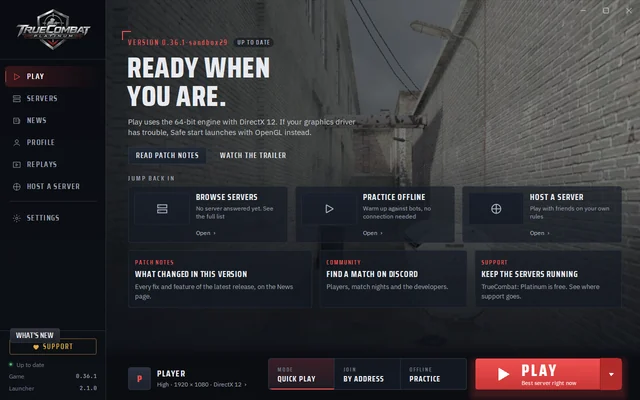
The next update adds a small card to the Play page of the launcher. It asks whether you want to share anonymous crash and hardware data, with two buttons of equal weight: Share and No thanks. Whatever you pick, it does not ask again. You can change your answer at any time under Settings > Privacy.
Nothing is sent before you choose, and nothing at all if you say no.
What a report contains
When sharing is on, the launcher sends at most one short report a day, and only when there is something new:
- Crashes. Which program crashed (game or server), the Windows error code and the place in the program where it happened, written as a file name and a position, plus up to five steps that led there. That is exactly what we need to find the line of code responsible, using the symbol files we keep for every build.
- Game starts. How often the game started since the last report and how many of those were Safe starts. That turns crash counts into a crash rate per version, so we can tell straight away whether an update made things better or worse.
- Hardware, once a month. Windows version, processor, memory, graphics card, video memory, whether DirectX 12 works, desktop resolution and refresh rate.
What it never contains
No player name, no game key, no player ID, no install ID, no file paths, no server addresses and no IP address. Nothing in one report links it to the next, so we cannot even tell whether two reports came from the same PC. Crash reports and memory dumps stay on your PC.
Want to see for yourself? Settings > Privacy > What is shared shows the exact report your PC would send next, before anything leaves your computer.
What we do with it
The figures land on the same private dashboard that counts website visits: crashes grouped by where they happen, a crash rate per game version, and which graphics cards, processors and screen sizes our players use. It tells us where to spend our time, and which settings and presets to tune for the hardware you really have.
Crash data is kept for 90 days, hardware counts for 13 months. The privacy page has the full list, and as always the code that receives the reports is in the public repository.
Was this worth the read?
Anonymous. No account, no cookies.
Questions about this post? Ask the team on Discord.